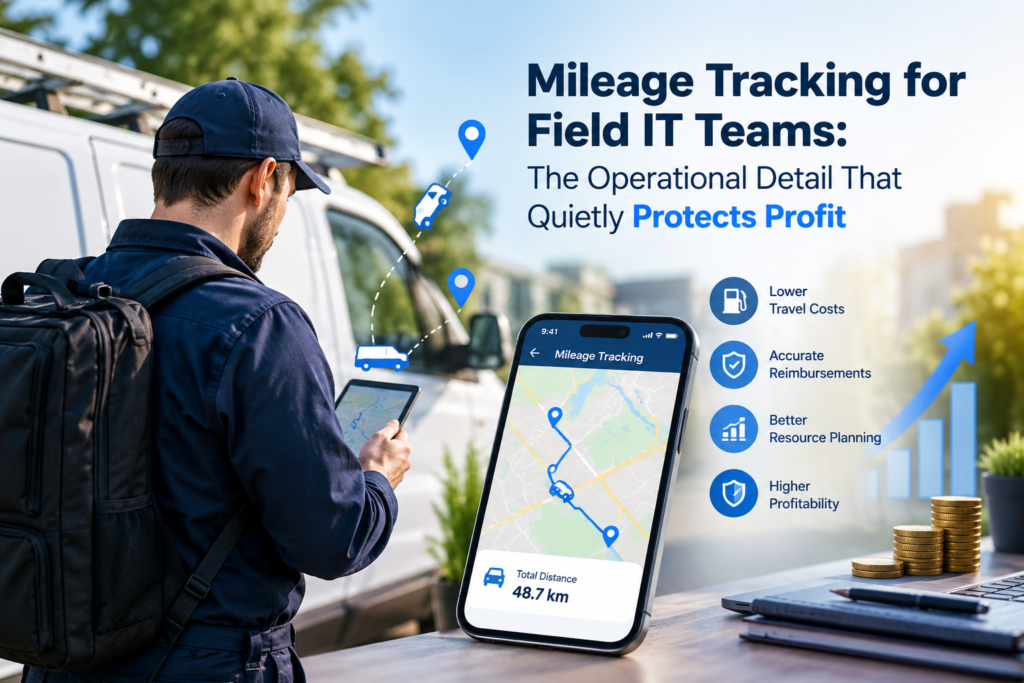
Field IT work rarely happens in one tidy location. For instance, engineers travel between offices and data centers. They also visit warehouses, retail sites, and temporary project facilities.
Still, mileage remains an afterthought. They record it in scattered notes or reconstruct it days later. That loose process looks harmless.
In practice, however, it creates reimbursement disputes, weak cost visibility, and unnecessary administrative work.
Why Mileage Data Matters in IT Operations
Mileage tracking isn’t just an employee expense task. Instead, it’s part of operational accounting. Every site visit carries a real cost, including –
- Fuel
- Vehicle wear
- Travel time
- The productivity lost between appointments.
Incomplete mileage records can therefore make a profitable support contract appear stronger than it is.
Why Inconsistent Mileage Records Create Operational Blind Spots
The problem becomes more noticeable when teams handle the following aspects:
- Recurring installations
- Emergency troubleshooting
- Hardware replacements
- Network assessments.
Although each trip may seem minor, the accumulated cost quietly reduces project margins. Moreover, consistent records are necessary. Otherwise, managers cannot compare remote support expenses with the cost of sending an engineer on-site.
Accurate reimbursement also builds trust. For instance, finance teams seldom apply the current mileage rate consistently. This way, employees receive fair compensation. Meanwhile, the company gains a positive, standardized way to control travel expenses.
So, there is no guesswork or awkward back-and-forth. More importantly, the calculation becomes repeatable across departments and reporting periods.
Manual Logs vs. Automated Tracking
Traditional mileage logs still work for very small teams. However, they depend heavily on memory and personal discipline. An engineer may finish several service calls, handle urgent tickets, and then forget the exact route by evening.
Unfortunately, later estimates can weaken expense records and create avoidable questions during financial reviews.
Meanwhile, automated tracking offers a more structured method. For instance, GPS-enabled applications capture trip distance, time, and route details. It uses limited manual input.
Nevertheless, automation does not automatically guarantee accuracy. Teams still need clear rules for –
- Classifying business travel
- Reviewing unusual journeys
- Protecting employee location data.
| Tracking Method | Main Advantage | Common Weakness | Best Fit |
| Paper or spreadsheet log | Simple and inexpensive | Easy to forget or alter | Individual contractors |
| Mobile mileage application | Faster trip capture | Requires privacy controls | Mobile support teams |
| Fleet-integrated system | Strong reporting and oversight | Higher setup complexity | Large field operations |
Controls That Keep the Process Reliable
A sound mileage workflow needs fewer moving parts, not more. Rather than creating a long approval chain, organizations should define what qualifies as business travel and specify when to submit records.
Managers should also review exceptions instead of checking every ordinary journey line by line.
Several controls make a practical difference:
1. Connect Travel to Service Records
Each mileage entry should reference a ticket, work order, customer visit, or approved operational task. As a result, finance teams can verify the business purpose without chasing engineers for missing details.
2. Set a Regular Submission Schedule
Weekly reporting usually produces cleaner information than month-end reconstruction. Moreover, employees can correct missing routes while the work remains fresh in their minds.
3. Document Privacy Boundaries
Location tracking should operate only during legitimate business travel. Teams should also understand –
- What information gets collected
- Who can access it
- How long the organization retains it.
Turning Travel Records into Operational Insight
The larger opportunity sits beyond reimbursement. In fact, mileage data can expose the following:
- Inefficient service territories
- Repeated equipment failures
- Customers requiring unusually frequent visits.
For instance, several journeys to the same site may indicate –
- Poor remote-access capability
- Incomplete documentation
- Hardware nearing the end of its practical life.
However, managers must not treat mileage as an isolated performance metric. A longer trip may support a critical outage or specialized infrastructure task.
Therefore, travel data works best alongside ticket severity, resolution time, service-level commitments, and customer location. However, context matters in those cases. Otherwise, the numbers tell only half the story.
Better Mileage Records Create Leaner Field Operations
Reliable mileage tracking brings financial control and operational clarity into the same process. Although the task appears administrative, its effects reach the following areas:
- Project costing
- Employee trust
- Capacity planning
- Service delivery.
So, you need a lightweight workflow, backed by clear rules and sensible automation. Usually, it delivers more value than an elaborate system nobody follows properly.